Making Your Grievance Count on CPGRAMS
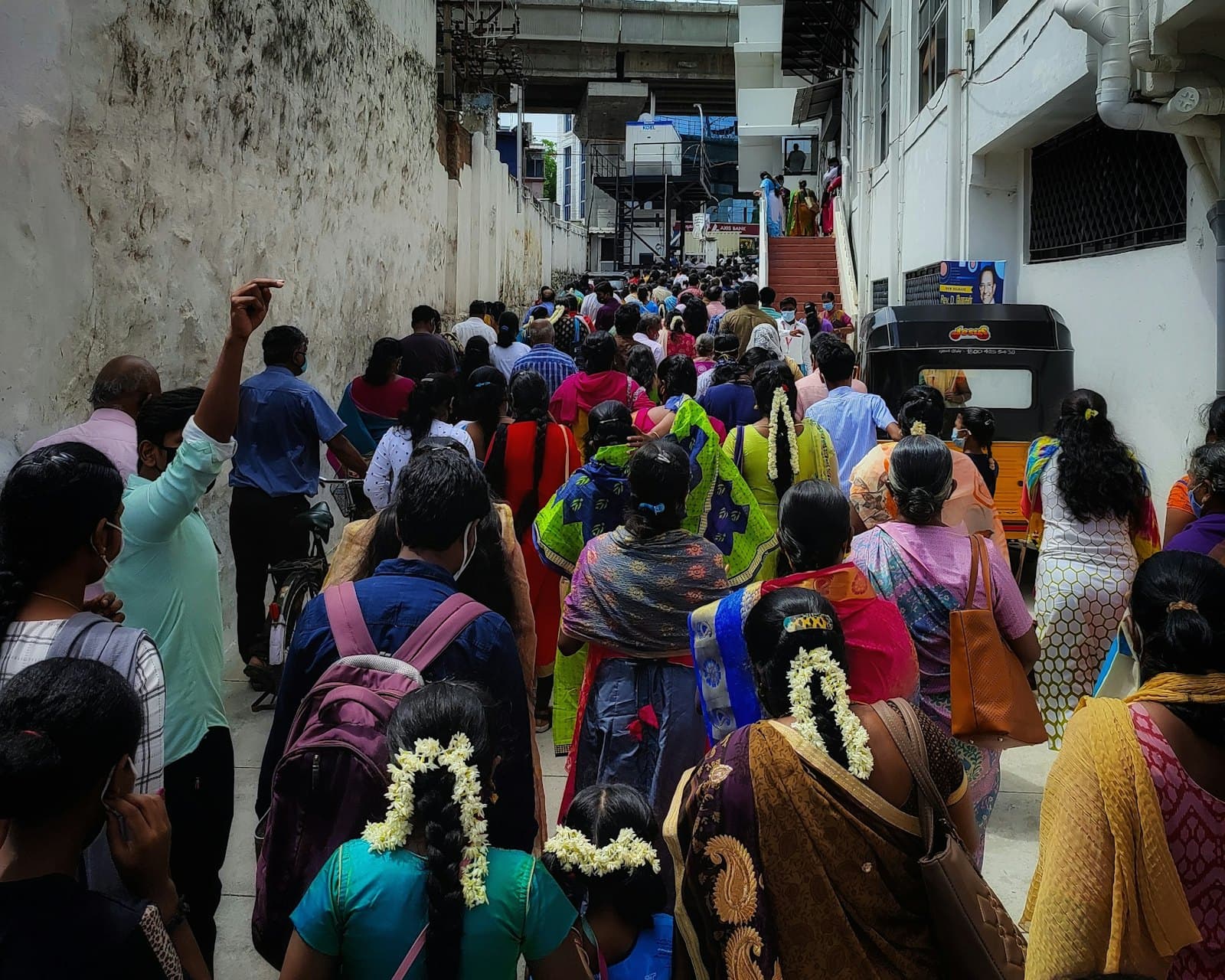
Have you ever felt like your voice gets lost in the maze of government offices? It's a common frustration, but there's a powerful tool designed to help us cut through the red tape: CPGRAMS. This system, run by the Department of Administrative Reforms and Public Grievances, is your direct line to central government departments.
Your First Step: Getting Registered and Ready
Before you can lodge a grievance, you'll need to register on the CPGRAMS portal, pgportal.gov.in. It's a one-time process, much like setting up an account for any other online service. You'll need to provide some basic details – your name, address, email, and phone number. This ensures that the system can verify your identity and communicate with you effectively throughout the process. I remember my first time trying to register, a few years ago, feeling a bit daunted by the official-looking website. But once I got past the initial sign-up, the process became much clearer.
So, why bother with an official channel like CPGRAMS when there are so many other ways to complain? The simple answer is accountability. When you file a grievance here, it creates a digital trail. It's assigned a unique registration number, and the system tracks its progress. This isn't just a suggestion box; it's a formal mechanism that obliges departments to respond. It's designed to bring transparency to the grievance redressal process, making it harder for issues to simply disappear into the ether. Think of it as a formal letter, but with a built-in tracking system and a deadline for response.
Precision is Key: Crafting a Complaint That Gets Action
Once you're registered, the real work begins: crafting your grievance. The most crucial step here is picking the right ministry or department and the correct category. This might sound obvious, but it's where many grievances get stuck or bounced back. If your complaint is about your passport, it goes to the Ministry of External Affairs. If it's about your pension from a central government body, it goes to the Department of Pension & Pensioners' Welfare. Sometimes, it's not immediately clear which department is responsible. In such cases, try to think about the core function related to your issue. A complaint about a national highway, for instance, would likely fall under the Ministry of Road Transport and Highways.
But it's not enough to just pick the right department; your complaint itself needs to be clear, concise, and actionable. Officers need specific details to investigate. Always include relevant dates, reference numbers (like application IDs, receipt numbers, or previous communication numbers), and the exact nature of your problem. Avoid emotional language or general statements. Instead of saying, 'The service was terrible,' describe *what* happened: 'On [date], at [time], I visited [office/location] regarding [issue], and was told [specific problem/response].' And here's a golden rule: stick to one issue per complaint. If you have a problem with your pension *and* a separate issue with your income tax refund, file two distinct grievances. Trying to bundle multiple unrelated issues will only confuse the system and slow down resolution, often leading to a generic response or a request to refile.
Beyond Filing: The Waiting Game and Action Taken Reports
After you've submitted your grievance, you'll receive a registration number. This is your key to tracking its progress. The CPGRAMS system aims for a resolution within 21 days. Now, this is a norm, not always a hard-and-fast guarantee, especially for complex issues, but it provides a good benchmark. You can log back into the portal using your registration number to check the status of your complaint. It will show you which officer or department it has been forwarded to, and what stage it's at.
Eventually, you'll receive an 'Action Taken Report' (ATR). This is the official response to your grievance. It might be a detailed explanation of the steps taken, a resolution to your problem, or sometimes, an explanation of why your request cannot be fulfilled. It's important to read this report carefully. Don't just skim it. Does it directly address your specific points? Does it provide a satisfactory explanation or solution? Sometimes, the ATR might seem a bit bureaucratic, using official jargon. If you're unsure about any part of it, take the time to re-read it or even seek clarification if possible. This report is the culmination of your effort, and understanding it fully is crucial to deciding your next steps.
When the Answer Isn't Enough: Rating and Appeals
Once your grievance is closed and you've received the ATR, CPGRAMS gives you the option to rate the quality of the redressal. This is a vital feedback mechanism for the government. Your rating helps them assess the performance of various departments in addressing public concerns. If you're satisfied, a good rating is appropriate. But what if you're not? What if the ATR doesn't resolve your issue, or you feel the response is inadequate or incorrect?
This is where the appeal option comes in. If you're dissatisfied with the closure, you can appeal the decision directly through the CPGRAMS portal. This reopens your case and sends it to a higher authority for review. It's a second chance to get your issue properly addressed. Don't hesitate to use it if you genuinely believe your grievance hasn't been handled fairly. Sometimes, persistence is the only way to cut through the inertia. It might feel like a long process, and it can be, but the system is designed to give you avenues for recourse. Just like how a small crack in the pavement, if ignored, can become a major pothole, a small grievance, if not addressed, can fester. But with CPGRAMS, you have a tool to ensure that those cracks get noticed and, hopefully, repaired, much like a diligent gardener tending to a wilting plant, giving it another chance to thrive.
No comments yet — start the conversation.